Implement revenue cycle automation to cut errors, speed payments, and simplify workflows in PT clinics.
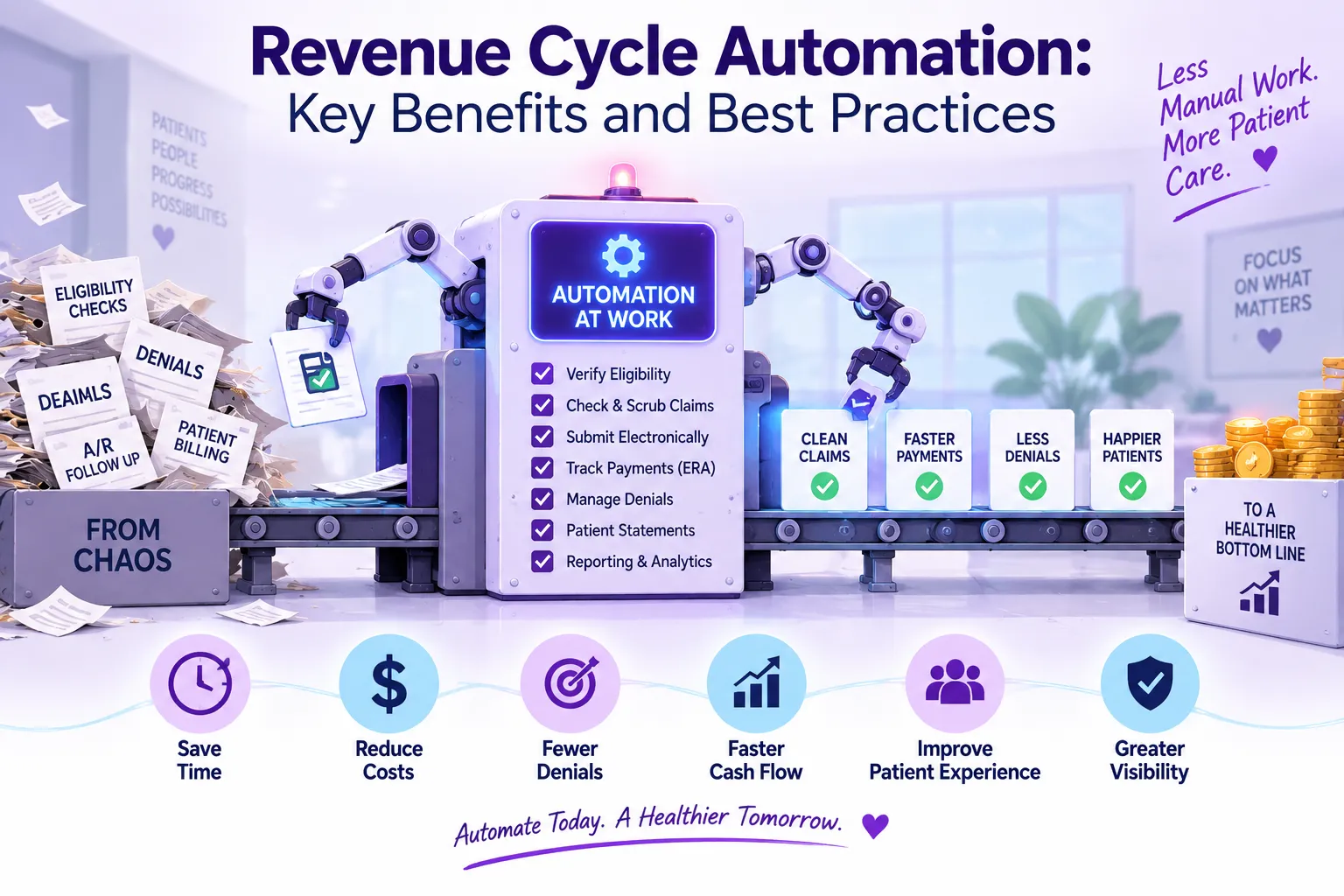
Every clinic depends on getting paid. Billing errors and paperwork can slow everything down. Your team should not spend more time fixing mistakes than helping patients. When that happens, it is a sign that something needs to improve.
Revenue cycle automation is changing how physical therapy clinics handle billing. The right tools remove stress and help you take control of your clinic’s financial health.
Revenue cycle automation uses software to complete repetitive billing tasks without manual intervention. 46% of hospitals now use AI in their RCM processes. This shows how fast clinics are moving toward digital tools. Automation transforms payment management from the first appointment to final collection.
It helps clinics track, manage, and collect payments with less manual work. The system verifies insurance, creates claims, posts payments, and handles follow-up steps. Staff spend far less time on each task, which keeps the billing process moving.
Healthcare revenue cycle automation replaces traditional paper-based methods with digital workflows. This shift eliminates bottlenecks that slow down reimbursement and create administrative burdens.
Key Components of Automation: Effective automation supports the full revenue cycle. It covers everything from scheduling to payment reconciliation. Clinics gain a smoother, more reliable financial process from start to finish.
In physical therapy practices, the revenue cycle begins when a patient schedules an appointment. Automation immediately verifies insurance eligibility and benefits.
When patients arrive, digital check-in tools capture necessary information and update records automatically. After treatment, the system pulls documentation to create clean claims with proper codes.
Claims are submitted electronically and tracked in real-time. If issues arise, the system alerts staff for quick resolution.
Payment posting happens automatically when funds arrive. The system generates patient statements and sends reminders for outstanding balances.
Revenue cycle automation is even more effective when your billing foundations are solid. Avoid the most common PT billing mistakes with our Physical Therapy Billing Guide.
Revenue cycle automation covers several important functions that improve each stage of billing. It supports everything from patient registration to payment posting. Clinics gain a smoother and more accurate financial workflow through these tools.
Automated systems verify insurance coverage before appointments. This prevents surprises at check-in and reduces claim denials later.
Digital intake forms eliminate paperwork and manual data entry. Information flows directly into the billing system, ensuring accuracy from the start.
After treatment, the system creates claims using data from clinical documentation. Automated checks identify missing information or coding errors before submission.
Claims are sent electronically to payers with tracking capabilities. This visibility helps you monitor status and address issues promptly.
Patient statements are generated automatically based on your schedule. The system calculates patient responsibility after insurance payments are posted.
Automated reminders help patients stay current with payments. You can set custom billing cycles that match your practice preferences.
Modern systems accept multiple payment methods, including online payments and saved cards. Transactions post automatically to patient accounts, reducing manual reconciliation.
Receipt generation and payment confirmation happen instantly. This improves the patient experience and reduces questions about account status.
Healthcare revenue intelligence tools provide insights into your financial performance. You can track key metrics like days in A/R, denial rates, and collection percentages.
Reports identify trends and potential problems before they impact cash flow. This data helps you make informed decisions about your billing processes.
Revenue cycle automation delivers clear financial and operational benefits. Clinics work faster, make fewer errors, and keep cash flow steady and predictable. This support helps teams stay focused and productive.
Automation reduces labor costs by eliminating manual tasks. Your staff can focus on complex cases that require human intervention.
Faster claim submission and fewer denials mean quicker payments. This improves cash flow and financial stability for your practice.
Automated systems reduce errors that cause claim denials. Common errors prevented include:
Automation also improves staff productivity. One hospital saw a 50% drop in discharged-not-final-billed cases. The same hospital saw more than a 40% increase in coder productivity after using AI. Tasks that once took hours now take only minutes. Your team can handle higher volumes without burnout.
Patients appreciate transparent financial processes. Automation provides clear cost estimates and convenient payment options.
Digital tools allow patients to manage their accounts online. They can view balances, make payments, and update information without calling your office.
Automated systems maintain detailed audit trails. This documentation helps during payer audits and reduces compliance risks.
Built-in rules make sure claims meet current regulations. The system updates as rules change, so your staff does not need to track every new requirement.
Industry data shows strong results. Clinics that use revenue cycle automation report 25% fewer compliance issues during audits.
See how Empower EMR’s billing tools check eligibility and fix coding issues. Reduce denials and get paid faster.
A clear, step-by-step plan helps your clinic use automation without disrupting daily work. It also creates faster, cleaner, and more accurate workflows.
Identify your biggest pain points in the billing process. Look for areas with high manual effort or frequent errors. Ask both billing and clinical staff for input; they often notice issues that leaders may miss.
Map your current workflow to understand how automation will impact it. This helps prepare your team for the transition.
Select key performance indicators to measure success. These might include:
Establish baseline measurements before implementation. This allows you to quantify improvements after automation. Clear metrics keep your team aligned on what success looks like and where to focus. Over time, these numbers show the health and efficiency of your clinic.
Select a practice management software that works with your existing tools. Fragmented solutions create new problems instead of solving old ones.
Good integration keeps data moving from scheduling to documentation to billing. This prevents duplicate entry. A PT-focused platform like Empower EMR prevents coding mistakes and supports billing processes.
Start with one area that causes the most headaches. Common starting points include eligibility verification or claim submission.
A small pilot helps your staff adjust at a comfortable pace. Your team can learn the system and give feedback. This improves the process before you expand.
Provide comprehensive training for all users. Different team members will use different parts of the system.
Good training lowers resistance and builds confidence. Remind your staff that automation supports their work and removes many repetitive tasks.
Review metrics regularly after implementation. Compare results to your baseline measurements.
Automation is not a "set it and forget it" solution—rules and workflows may need adjustment as payer guidelines or clinic needs change. Small improvements keep your system working well and support your billing needs.
Want less manual work and faster payments? Schedule a Personalized Demo. See how Empower EMR automates every step, from scheduling to payment posting.
Revenue cycle automation delivers clear benefits for physical therapy practices. Clinics get faster payments and face less administrative stress. The result is a smoother and more reliable financial process.
Empower EMR offers comprehensive revenue cycle automation designed specifically for therapy practices. Our platform integrates scheduling, documentation, billing, and reporting in one seamless system.
Built-in automation tools reduce denials, speed up payments, and improve your financial performance. Your EMR handles the hard work so your team can focus on patient care.
Improve your revenue cycle and support your financial health. Schedule a personalized demo with Empower EMR.
The nine steps are:
Modern healthcare revenue cycle automation can streamline each step.
The four Ps are Patient, Provider, Payer, and Process. These work together in the revenue cycle. Automation helps connect them and improve results.